Reproducibility & Data Editors
Department of Economics Research Away Day
Department of Economics, University of Exeter, Data Editor RES (July 2025-2028)
12 June, 2025
Agenda
- A Brief Introduction
- Replicability: what are current expectations?
- 10 simple rules to Reproducibility compiled by the Econ Data Editors.
- Some Reproducibility Best Practices Adopted at RES.
- Takeaways
A Brief Introduction
Overarching Themes
- Reasons to be concerned with reproducibility in economic research
- There are a number of mechanisms to deal with this
- Pre-registration
- Registered reports
- Making published work easily examinable
- Many people and organisations such as I4R doing excellent verification work
- This requires us as authors to make our work easily verifiable and available
- There needs to be a system in place to ensure reproducibility of work
- Replicability is then a broader effort
Data Editors
- Most (all?) journals require authors to share code and data.
- Only 17 (and growing) (!) journals endorse the Data and Code Availability Standard and enforce it via a Data Editor.
- This includes RES (who run the Economic Journal and The Econometrics Journal) who have been leaders in this space
- Data Editors in place since 2019 (Joan Llull, Florian Oswald)
- Most of the materials and systems I discuss today owe to their efforts
- I will take over as Data Editor at RES on 1 July, 2025
- Covers all papers conditionally accepted at EJ and EctJ
- Two key “stakeholders”: authors of papers, and users of replication materials
What Is Required From Authors? 🫵
What is Required from Authors?
- You must comply with the RES replication policies
- Similar policies at AEA, Econometric Society, REStud, JEEA, JPE, …
What Do We Expect
An advanced graduate student should be able to generate
- All Figures
- All Tables
- All in-text numbers
with your package in the most user-friendly way possible.
A priori, our output should be exactly equal to yours. 😬
Is this for everyone?
- Yes
- You can request an exemption: at the discretion of the handling editor
- But exemption \(\neq\) No replication
The Policy
Authors who have requested an exemption for the publication of their datasets are required to grant temporary distance or physical access to the data to the journal’s staff whenever this is legally and technically feasible. Temporary access is for the sole purpose of replication (the data will not be published). If such access is impossible we will accept a simulated dataset or a synthetic dataset instead of the actual dataset(s) used for the analysis for replication purposes. The nature of the data used for the reproducibility checks will be indicated on the published version of the paper.
Acceptance will only be granted after the results have been checked for reproducibility.
Journals and authors gain from having replicable materials in the public domain
10 simple rules to Reproducibility
10 simple rules to Reproducibility
- Computational Empathy
- Make data accessible
- Cite Data and how to access it
- Describe software and hardware requirements
- Provide all code
- Explain how to reproduce your work
- Provide a table of all things that can be reproduced
- Include all supporting material
- Use a permissible license. Any license is better than none.
- Re-run everything!
Best Practices
Best Practices
- Documentation
- Project Organisation (folder structure)
- Code
- Data
- Output
The README File
- Plain text top level file which explains everything about your package.
- The Social Science Data Editors have a useful template and a template generator.
- Here are the minimum requirements for a
READMEat The Economic Journal
At a minimum, your
READMElists the exact computing environment:OS, software and which version used (
R 4.1,stata 17/MP,matlab 2023b,GNU Fortran (Homebrew GCC 13.2.0))Libraries and which exact version used (
ggplot2 1.3.4,outreg 2,numpy 1.26.4,boost 1.8.3)
Best Practices
Project Organisation
- Folder Structure is a first order concern for your project.
Minimum Requirement
There should be a separation along:
- Inputs: Data, parameters, etc
- Outputs: Numbers, tables, figures
- Code
- Paper/Report etc
Example?
Best Practices
Good or Bad?
.
├── 20211107ext_2v1.do
├── 20220120ext_2v1.do
├── 20221101wave1.dta
├── james
│   └── NLSY97
│       └── nlsy97_v2.do
├── mary
│   └── NLSY97
│       └── nlsy97.do
├── matlab_fortran
│   ├── graphs
│   ├── sensitivity1
│   │   ├── data.xlsx
│   │   ├── good_version.do
│   │   └── script.m
│   └── sensitivity2
│       ├── models.f90
│       ├── models.mod
│       └── nrtype.f90
├── readme.do
├── scatter1.eps
├── scatter1_1.eps
├── scatter1_2.eps
├── ts.eps
├── wave1.dta
└── wave2.dta
└── wave2regs.dta
└── wave2regs2.dta
(scroll down!)
Bad! 👎
- Sub directories are not helpful
- File names are confusing
- code/data/output are not separated
Best Practices
Good 👍
.
├── README.md
├── code
│   ├── R
│   │   ├── 0-install.R
│   │   ├── 1-main.R
│   │   ├── 2-figure2.R
│   │   └── 3-table2.R
│   ├── stata
│   │   ├── 1-main.do
│   │   ├── 2-read_raw.do
│   │   ├── 3-figure1.do
│   │   ├── 4-figure3.do
│   │   └── 5-table1.do
│   └── tex
│       ├── appendix.tex
│       └── main.tex
├── data
│   ├── processed
│   └── raw
└── output
    ├── plots
    └── tables
Good.
- Meaningful sub directories
- top level
README - code/data/output are separated
Reproducible Code
Question:
What should things look like in terms of reproducibility?
👉 This slide is too short. Much more could be said. But, at a minimum:
- Provide a run script which…runs everything. Run it often!
- No copy and paste in your pipeline! Write results to computer’s storage.
- Clear instructions
- Provide a clear way to create the required environment (library installation etc)
Safe Environments for Running Your Code
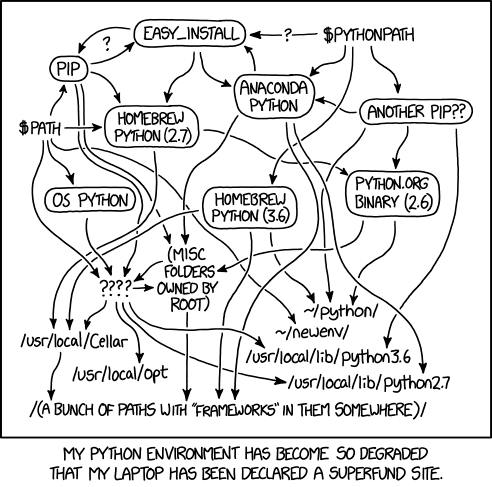
No Guarantee
Your code will yield identical results on a different computer only if certain conditions apply.
Protected Environments
👉 You should provide a mechanism which ensures that those conditions do apply.
Data
- Always keep your raw data intact (i.e. read-only).
- Generate separate analysis datasets to perform analysis.
- Datasets change over time, keep a record of the date and versions you obtained. It might be difficult to obtain it in the future.
What about Confidential Data?
- If we have instructions for direct access, we try (time limit: 30 mins)
- If not, try to get access to authors/data provider’s machine (i.e. their screen)
- If not, data provider may certify results for us.
- If not, must provide simulated version of data.
Output
- Write both tables and figures to local storage (don’t just display on the console!)
- The gold standard: include this table in your readme.
| Output in Paper | Output in Package | Program to execute |
|---|---|---|
| Table 1 | outputs/tables/table1.tex |
code/table1.do |
| Figure 1 | outputs/plots/figure1.pdf |
code/figure1.do |
| Figure 2 | outputs/plots/figure2.pdf |
code/figure2.do |
- keep a full pipeline intact at all times:
run_all() - have a dedicated output folder which you delete frequently
Take-aways
Take-aways
- As authors, replicability simply requires constant vigilence
- More costly if you have to do it upon conditional acceptance!
- But, big returns:
- For our own peace of mind
- For people who want to use our work
- For us and our students
- Because of replicability checks, examining reproducibility is easy
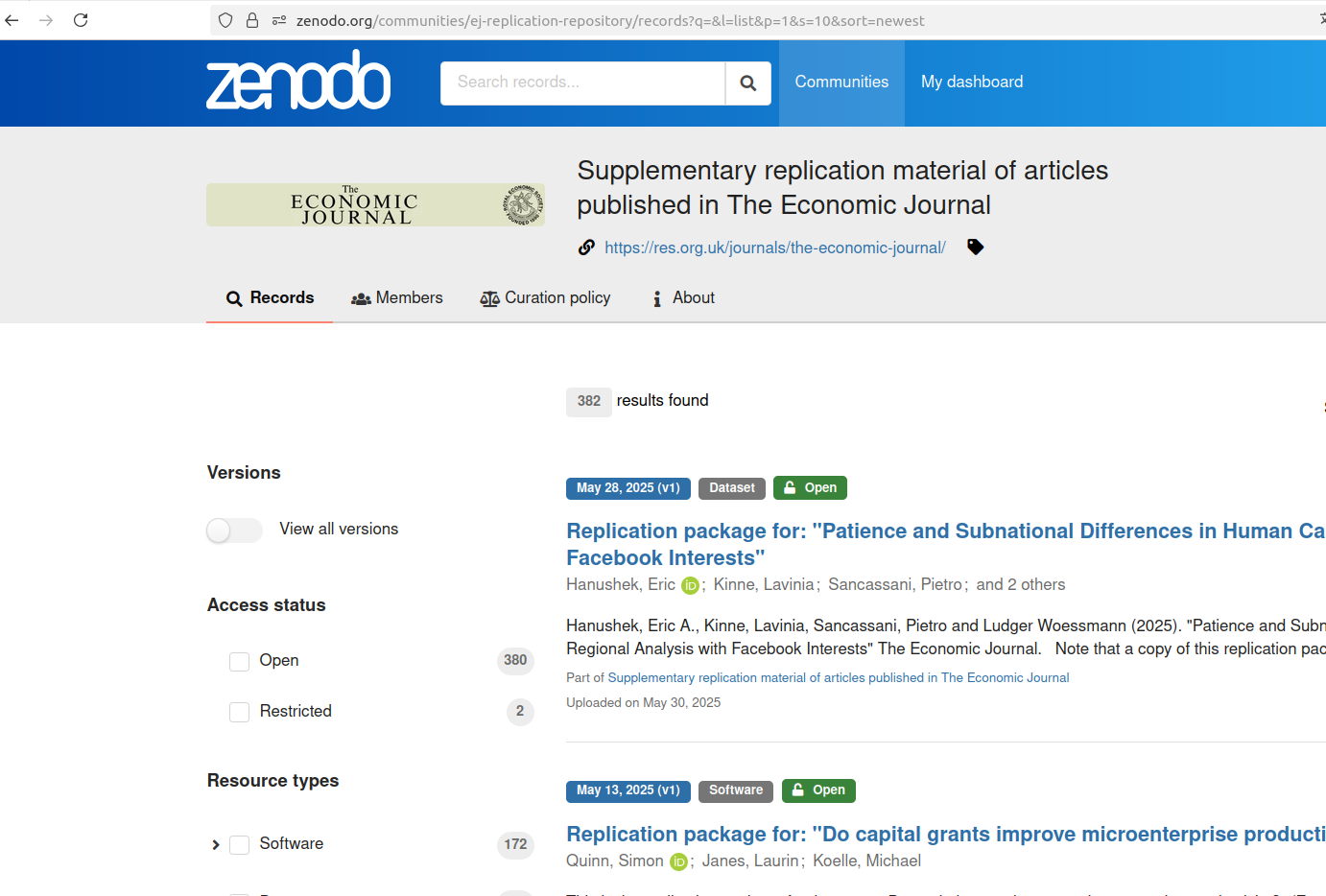
Thanks!